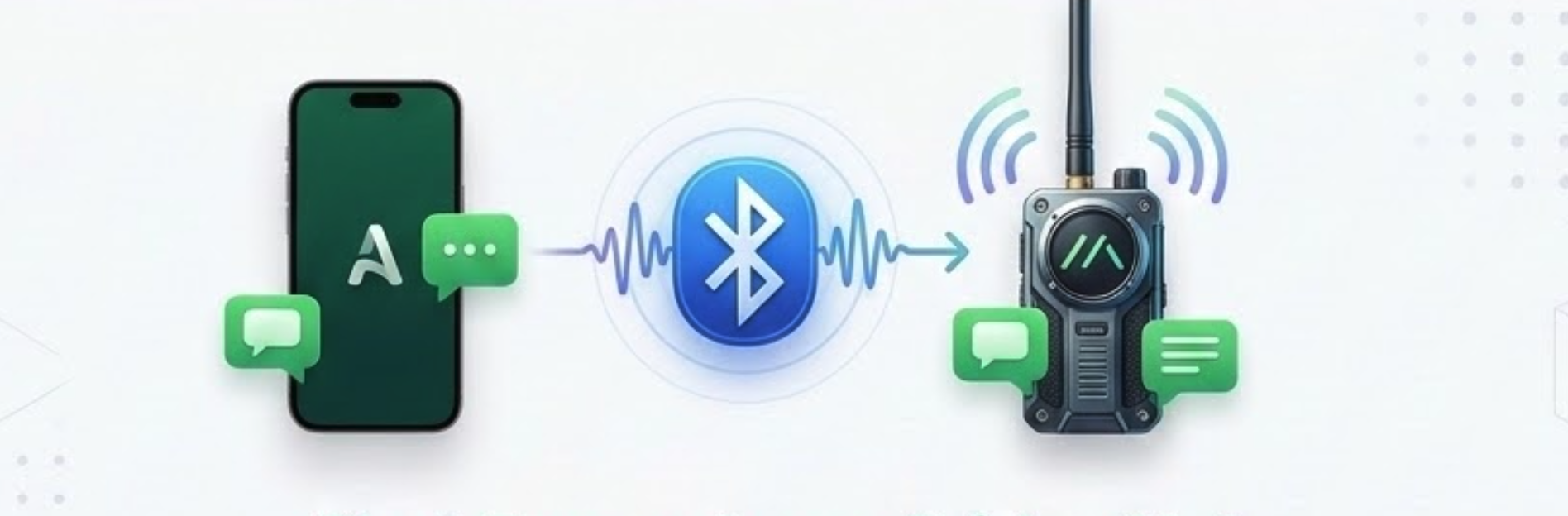
Chat when the network does not
Meshtastic mesh relay in Avento
Avento links your Meshtastic LoRa radio over Bluetooth so group chats can mirror plain text on the mesh — useful off-grid, in remote areas, or when cellular data is unreliable. Pair once in Settings, then control relay per chat.
- Works with any standard Meshtastic hardware
- Universal chat threading, online and mesh-integrated
- Instant, secure private mesh channel sharing with a single tap
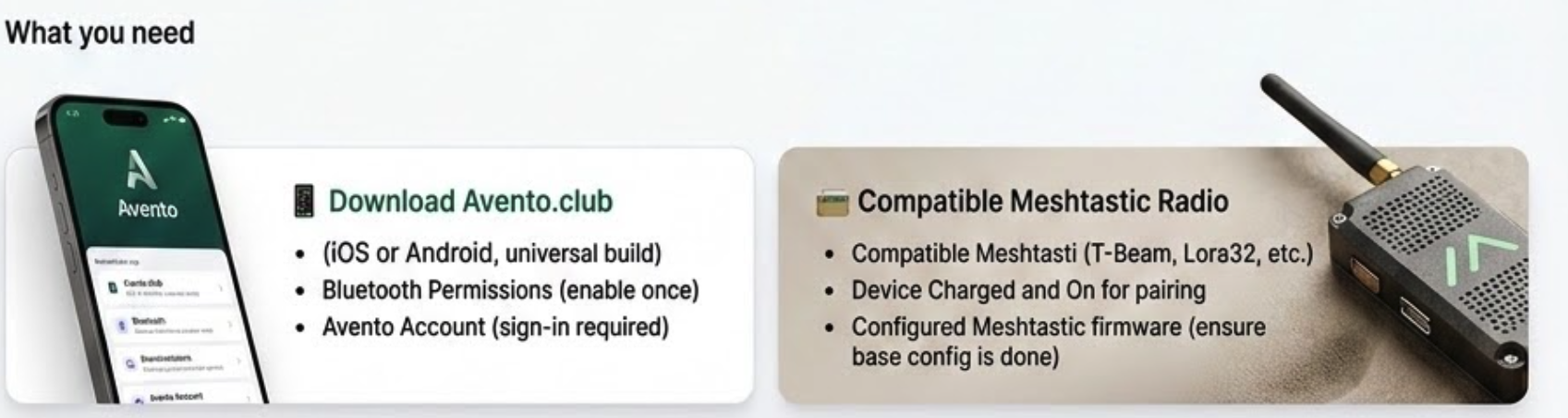
What you need
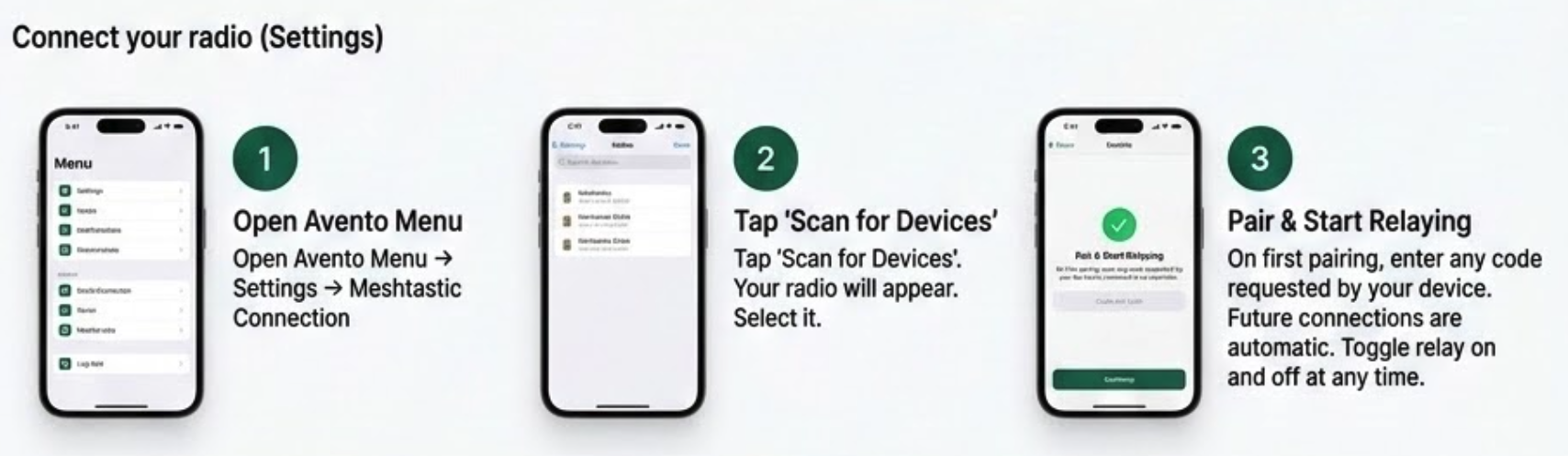
Connect your radio (Settings)
Watch how to open Settings, scan for your radio, and connect in the Avento mobile app.
Use mesh relay in chat
- 1
Open a chat → settings (gear)
In any conversation, open chat settings. You will see Meshtastic radio status and the mesh relay toggle when mesh features are enabled.
- 2
Turn on Meshtastic mesh relay
Enable mesh relay to also send plain-text messages over your connected radio. Avento auto-connects to your saved radio when you turn relay on.
- 3
Create or pick a channel
Use Create chat channel on radio to add a private channel (up to 8 slots), enable relay, and post setup in the chat. Or choose an existing channel and optional destination node for directed messages.
- 4
Share setup — recipients tap Apply
Share setup in chat sends channel index and key to your contact. They open the message in the Avento app and tap Apply mesh setup to add the channel on their radio. Internet chat and mesh relay work together.
- Outbound messages can show a Meshtastic badge when relayed on mesh.
- Inbound mesh text appears with a Via mesh indicator.
- Shared setup messages include Apply mesh setup for recipients in the app.
- Tap the connection badge in chat to jump to Settings → Meshtastic.
Troubleshooting
- Only one phone app can use Bluetooth LE to the radio at a time. Disconnect in the official Meshtastic app (or force-close it), then connect from Avento.
- On iOS, keep the radio awake and nearby if it does not appear in scan. Broad scan filters devices in-app.
- BLE connect, mesh relay, and Apply setup require the Capacitor iOS/Android build — not the mobile browser alone.
- Mesh payloads are size-limited. Very long chat messages may fail on mesh even if they send fine online.
🌍 Ideal for: Travel groups, expeditions, festivals, emergency preparedness, and teams who want a backup path when internet chat is slow or unavailable.
🎯 Meshtastic in Avento is not a replacement for internet chat — it extends it. Keep relay on for important threads, share channel setup once, and stay reachable on the mesh when coverage drops.